
M
I Tried The World's Biggest Burger
Max Makes3.5M
Upload your YouTube thumbnail to instantly preview how your thumbnail looks in search results, mobile feeds, and suggested videos.
Drop your YouTube thumbnail here or Browse Files
JPG, PNG, WebP · 1280×720 recommended




I Tried The World's Biggest Burger
Max Makes3.5M
Your Chosen Video Title Here
Your Channel0
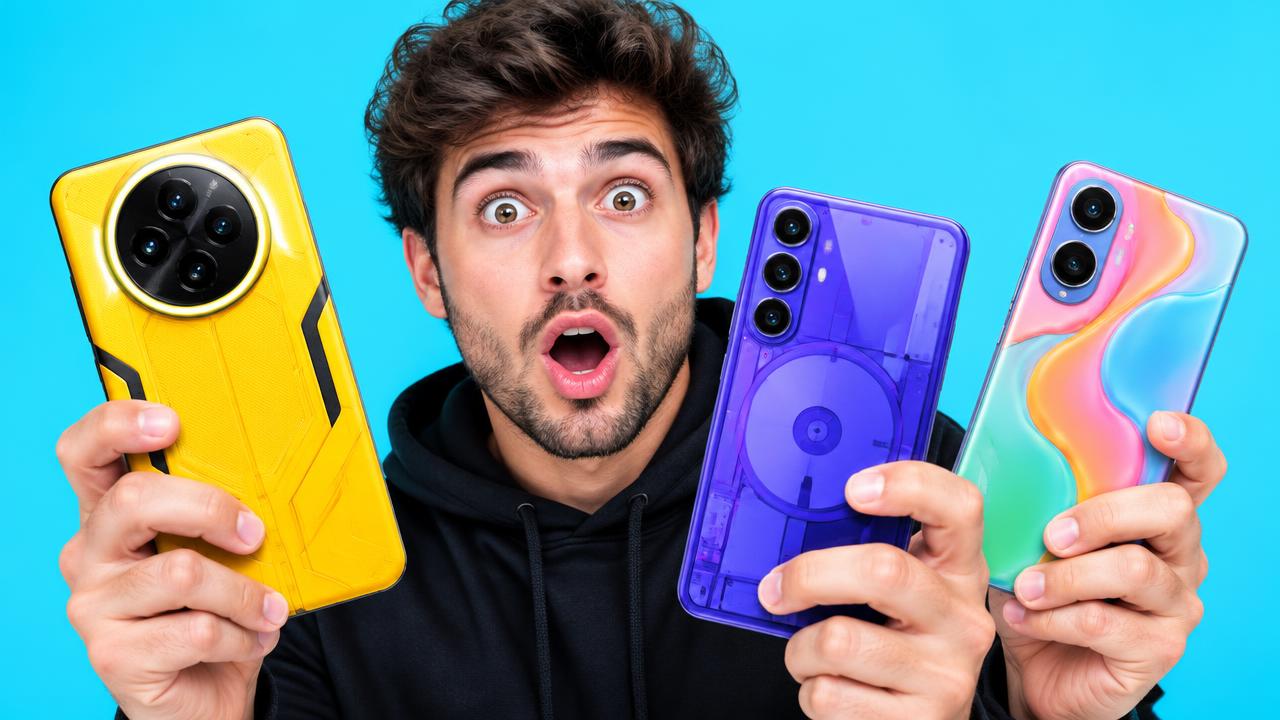
I Bought The Weirdest Phones Ever
Luminous Tech4.2M

What's Inside This Mystery Box?
Challenge Lab8.1M

This Game Got Absolutely Wild
Play Daily1.9M
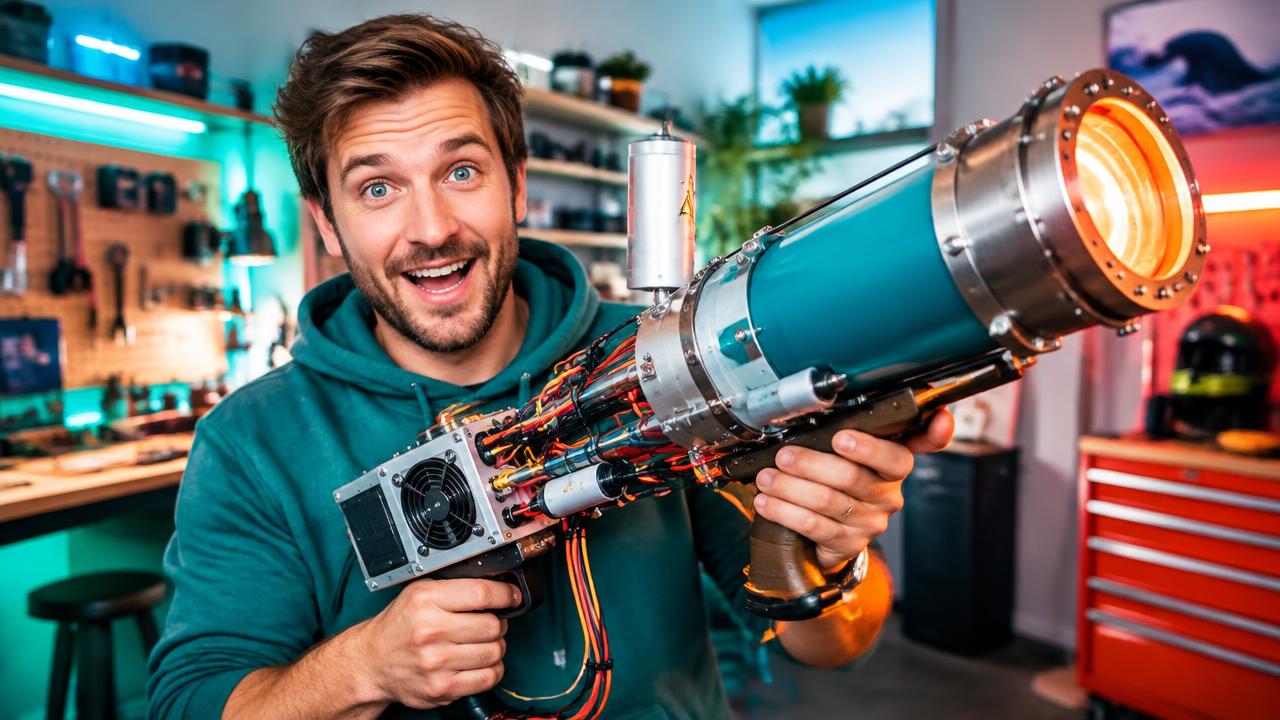
I Built The Most Powerful Gadget
Make Things2.7M
Three simple steps
No signup and no complicated setup. See your thumbnail in context before your video goes live.
Drag your image into the tester or click to browse. Your image stays private in your browser the whole time.
Preview search results, the homepage feed, suggested videos, and mobile at realistic display sizes.
Swap variations, check each placement, and choose the thumbnail that makes viewers stop scrolling.
Built for better clicks
Your thumbnail is the first thing viewers see. Validate your design, compare ideas, and publish with confidence.
See exactly how your thumbnail looks in search, home, mobile, and suggested videos before publishing.
Catch hard-to-read text, weak contrast, and awkward crops across realistic YouTube layouts.
Test multiple variations side by side and refine the idea most likely to earn attention.
Make a more informed choice before publishing without adding another subscription to your workflow.
Free online thumbnail tester
MyThumbnail focuses on one job: showing you how a thumbnail looks across the places viewers discover videos. You get real context instead of a blank mockup.
Upload, compare, and refine without an account, credit card, or trial. Your files stay in your browser and are never uploaded to our servers.
YouTube thumbnail tester guide
A YouTube thumbnail tester shows your image in the same feeds where viewers actually decide to click. A thumbnail that looks striking on a blank canvas can disappear next to other videos in search results or the home feed, so testing it in place is the only reliable way to judge it. MyThumbnail's YouTube thumbnail tester recreates those surroundings so you can review your design as part of a real page.
The tester runs entirely in your browser. Upload your image, edit the video title, channel name, and duration, then preview it across search results, the home feed, suggested videos, and mobile. Compare two variations with the slider, move your video to a random feed position with shuffle, and keep refining until the thumbnail stands out in every layout. When you want a stricter comparison, the A/B test page puts two thumbnails head to head in the same simulated feed.
Everything you need to test confidently before publishing.